SEO reporting template: the system behind the reports
A good SEO report starts before anyone opens Search Console: who is it for, how often, and which numbers mean “working”? This template sets that up — a three-cadence reporting framework, a KPI matrix by audience, and a reporting plan to agree with each client or team.
Free, no sign-up.
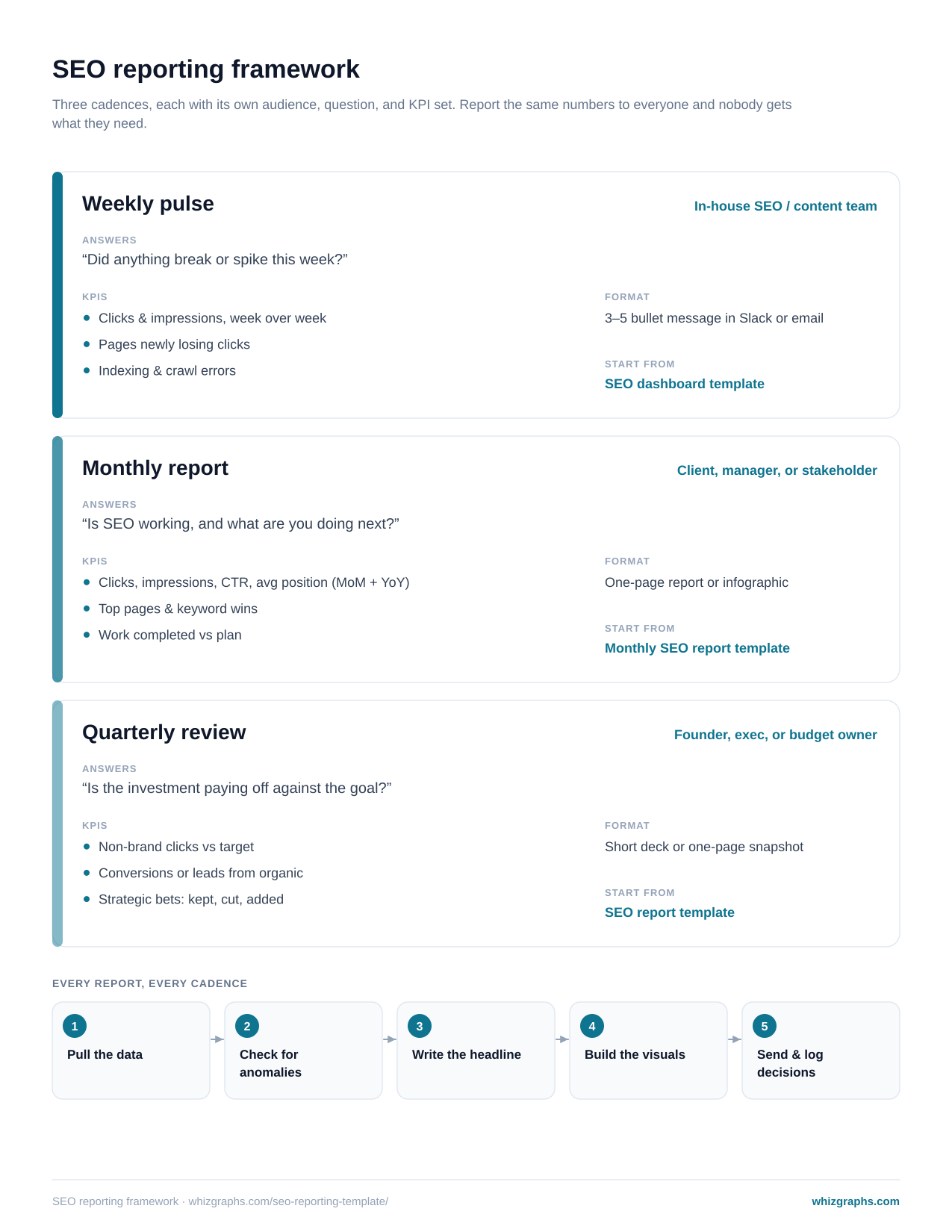
Weekly, monthly, quarterly — different readers, different reports
Each cadence has its own audience and question. Each links to the template that produces it.
Weekly pulse
“Did anything break or spike?”
- Clicks and impressions, week over week
- Pages newly losing clicks
- Indexing and crawl errors
Three to five bullets in Slack or email. No charts unless something moved.
SEO dashboard templateMonthly report
“Is SEO working, and what’s next?”
- Clicks, impressions, CTR, position — MoM and YoY
- Top pages and keyword wins
- Work completed against plan
A one-page report or infographic, sent the same day every month.
Monthly SEO report templateQuarterly review
“Is the investment paying off against the goal?”
- Non-brand clicks against target
- Leads or conversions from organic search
- Which bets to keep, cut or add
A short deck or a one-page snapshot, discussed live.
SEO report templateWhich SEO KPIs go to which audience
The team sees everything, often. Clients see outcomes monthly. Executives see goals quarterly. A dash means “leave it out”.
| KPI | SEO / content team | Client or manager | Executive |
|---|---|---|---|
| Clicks (total and non-brand) | Weekly | Monthly | Quarterly |
| Impressions | Weekly | Monthly | — |
| CTR | Weekly, per page | Monthly | — |
| Average position / keyword movement | Weekly, per query | Monthly (wins) | — |
| Top pages gaining / losing | Weekly | Monthly | — |
| Indexing and errors | Weekly | Only if material | — |
| Organic leads or revenue | Monthly | Monthly, if tracked | Quarterly |
| Work shipped vs plan | Weekly | Monthly | Quarterly (as bets) |
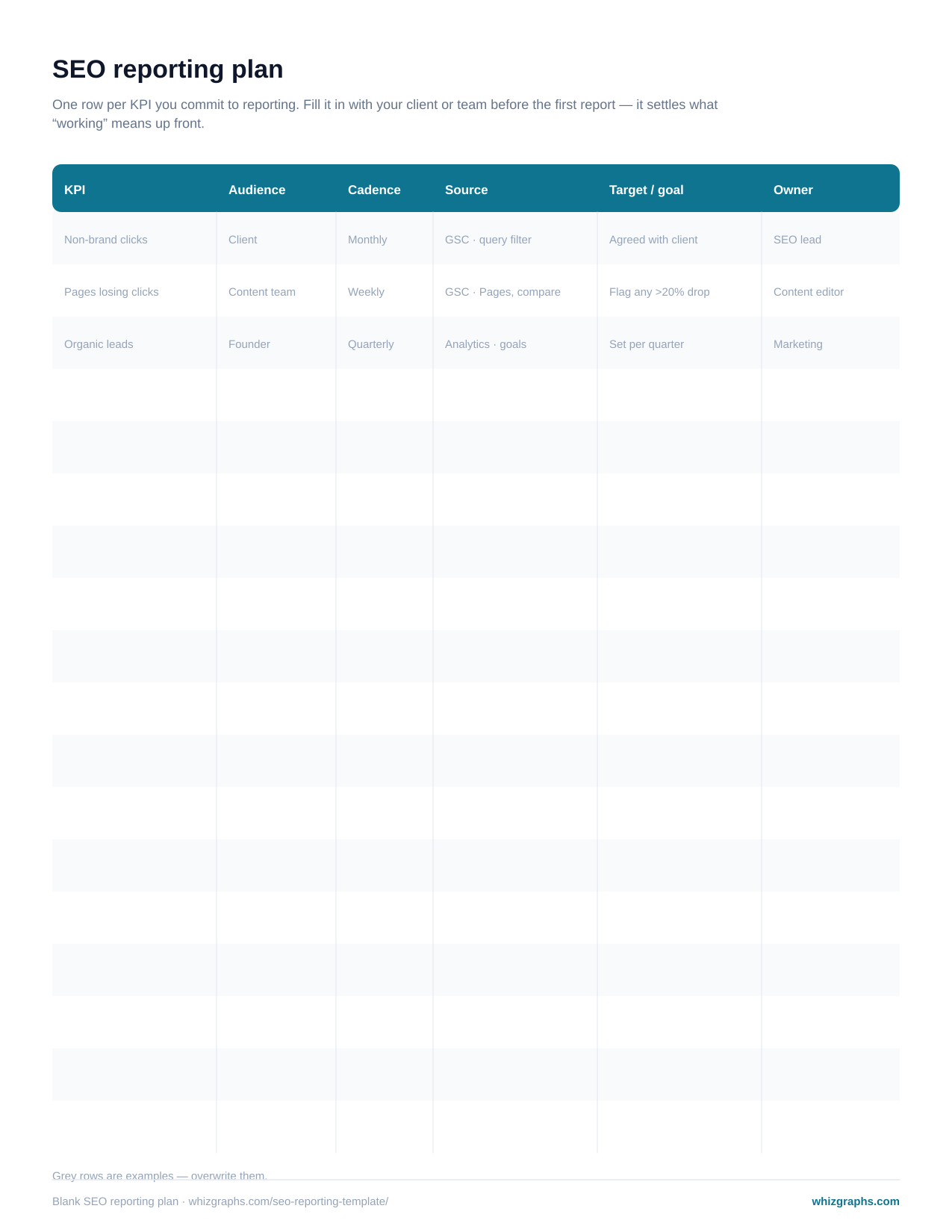
Agree what “working” means before the first report
One row per KPI: who it’s for, how often, where the number comes from, what the target is, and who owns it. Fill it in at kickoff with the client or team lead.
It prevents the most common reporting failure: a client who expected leads receiving a report about impressions. If a KPI isn’t in the plan, it doesn’t go in the report — and if it should be, you change the plan together.
The five steps behind every report, at every cadence
- 1
Pull the data
Same source, same date logic, every time — Search Console’s Performance report for search, your analytics tool for conversions. - 2
Check for anomalies
Before writing a word, run the six questions below. Most “traffic is down” emails die here, correctly. - 3
Write the headline
One sentence per report: the finding, not the topic. - 4
Build the visuals
Only the charts the KPI plan asks for. A single SEO infographic is often enough for the weekly or monthly note. - 5
Send, and log decisions
Note what was decided because of the report. Next period, report on whether it worked — that closes the loop.
Anomaly check — six questions before you write
- Did total clicks move more than usual week over week?
- Did one page or one query account for most of the change?
- Is the change on one device or one country only?
- Did anything ship, migrate or break on the site this period?
- Was there a Google algorithm update in the window?
- Is the last day of data complete, or still processing?
Frequently asked questions
It’s the reusable structure behind your SEO reports rather than a single report: which KPIs you report, to whom, how often, in what format, and from which data source. This page’s template is a reporting framework (weekly, monthly, quarterly) plus a reporting plan you fill in once with each client or team.
An SEO report template is the layout of one report — the page you send. An SEO reporting template is the process around it — cadence, audiences, KPIs and workflow. Use this page to decide what you report and when; use the SEO report template or monthly SEO report template to produce each report.
Match the cadence to the audience. The team doing the work benefits from a weekly pulse; clients and managers usually want a monthly report; executives and budget owners want a quarterly review against goals. Reporting the same thing to everyone at the same cadence serves no one well.
Clicks and impressions with their change, CTR, keyword movement for the queries you’re targeting, top pages, and work completed against plan — plus leads or revenue from organic search if the client tracks them. Agree the list in a reporting plan before the first report.
Not in the report. Track the full list in a dashboard or rank tracker, and report the movement that matters: queries that reached or left page one, and the targets you agreed in the plan.